
Description
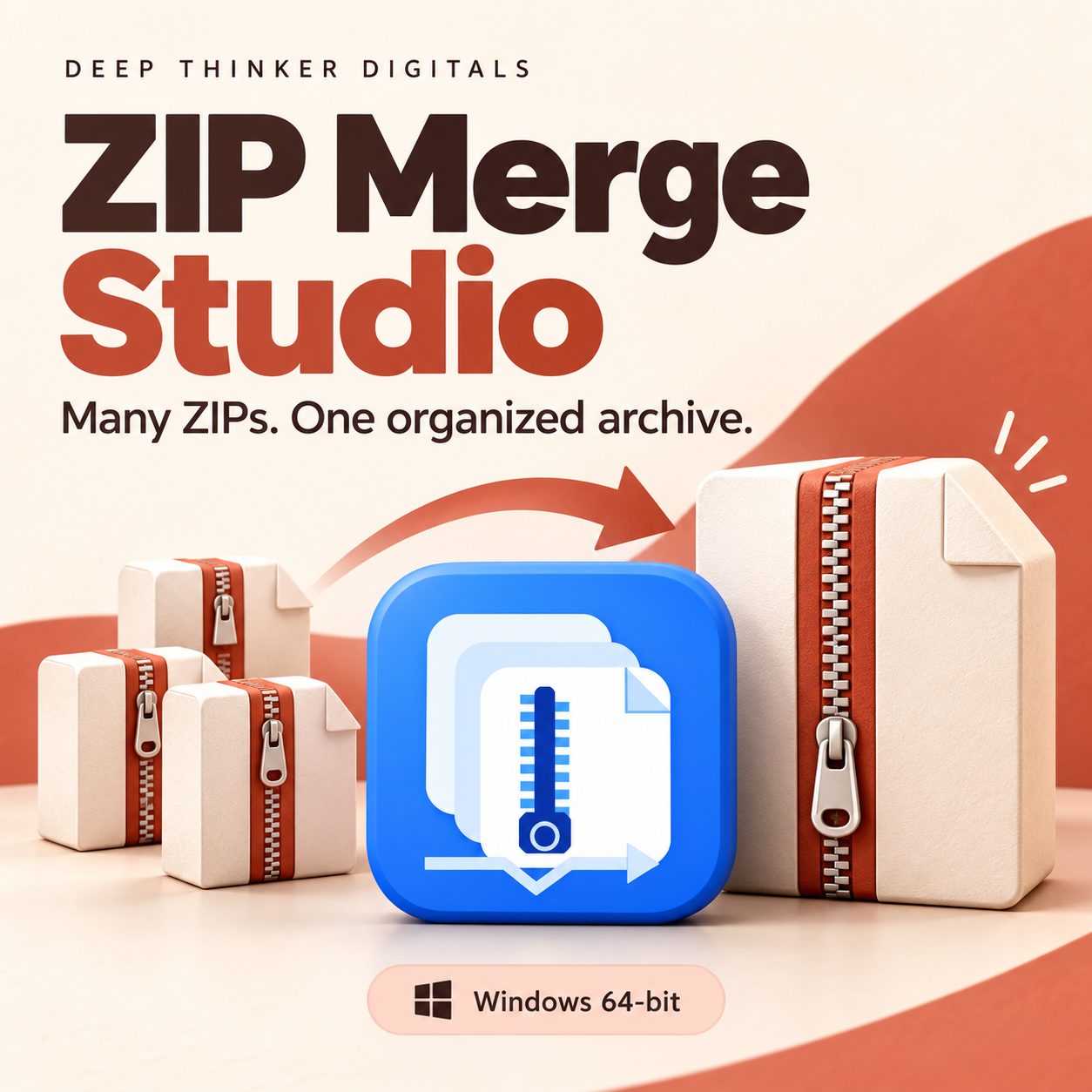
Several ZIP downloads. One organized archive.
Downloading a large folder can leave you with several separate ZIP files. ZIP Merge Studio combines their contents into one new archive, making your downloads easier to organize, store, and share.
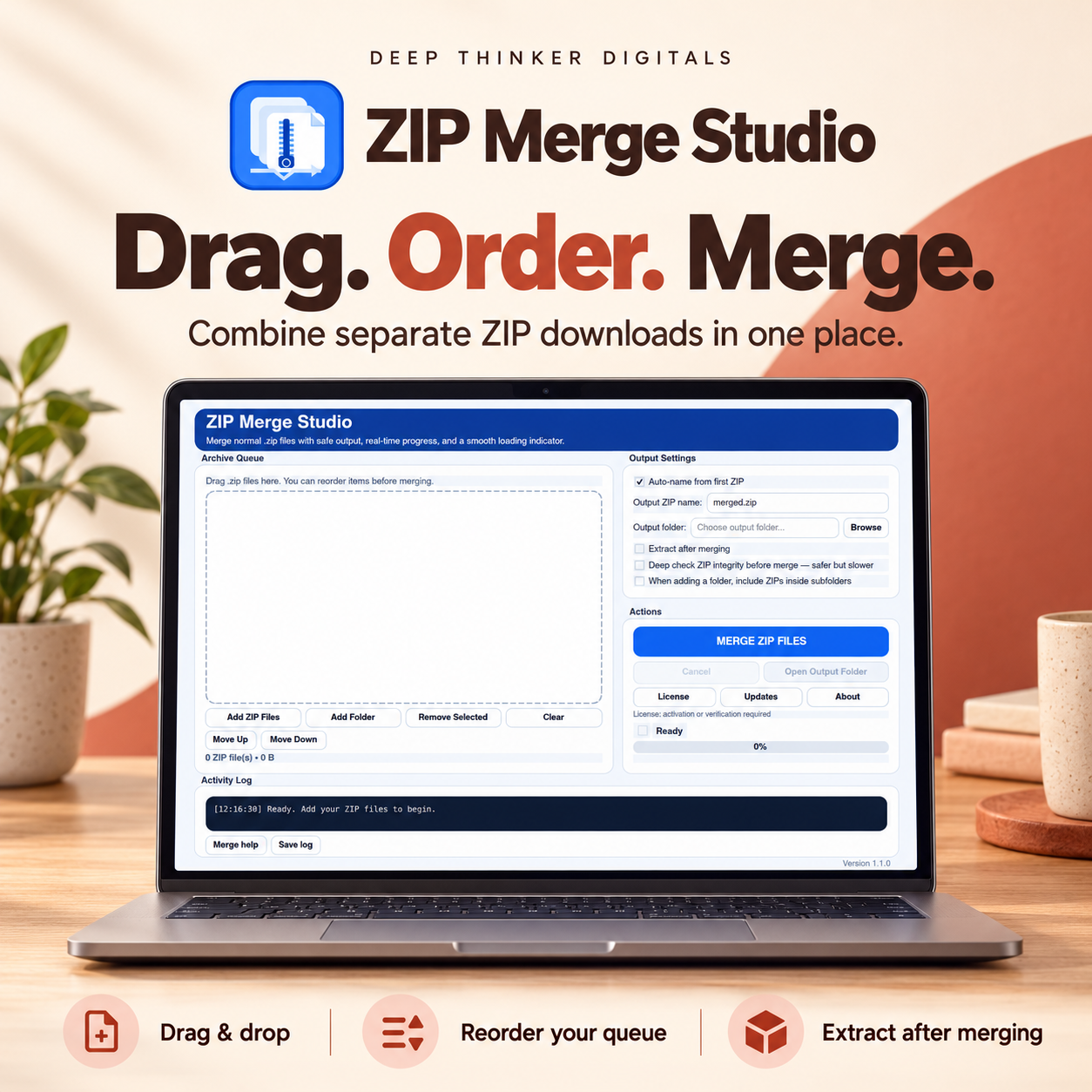
Add your ZIP files, arrange the queue, choose your output folder, and start merging.
Simple controls for everyday use
- Drag and drop: Add ZIP files directly or choose a folder containing your archives.
- Arrange your queue: Move files up or down before merging.
- Automatic output naming: Create an output name based on the first ZIP, or enter your own.
- Duplicate-name protection: Entries with matching archive paths are renamed so both files can be kept.
- Optional extraction: Extract the completed archive automatically after merging.
More guidance for larger jobs
ZIP64 support handles large archive entries, while progress information shows the current phase, elapsed time, and processing activity.
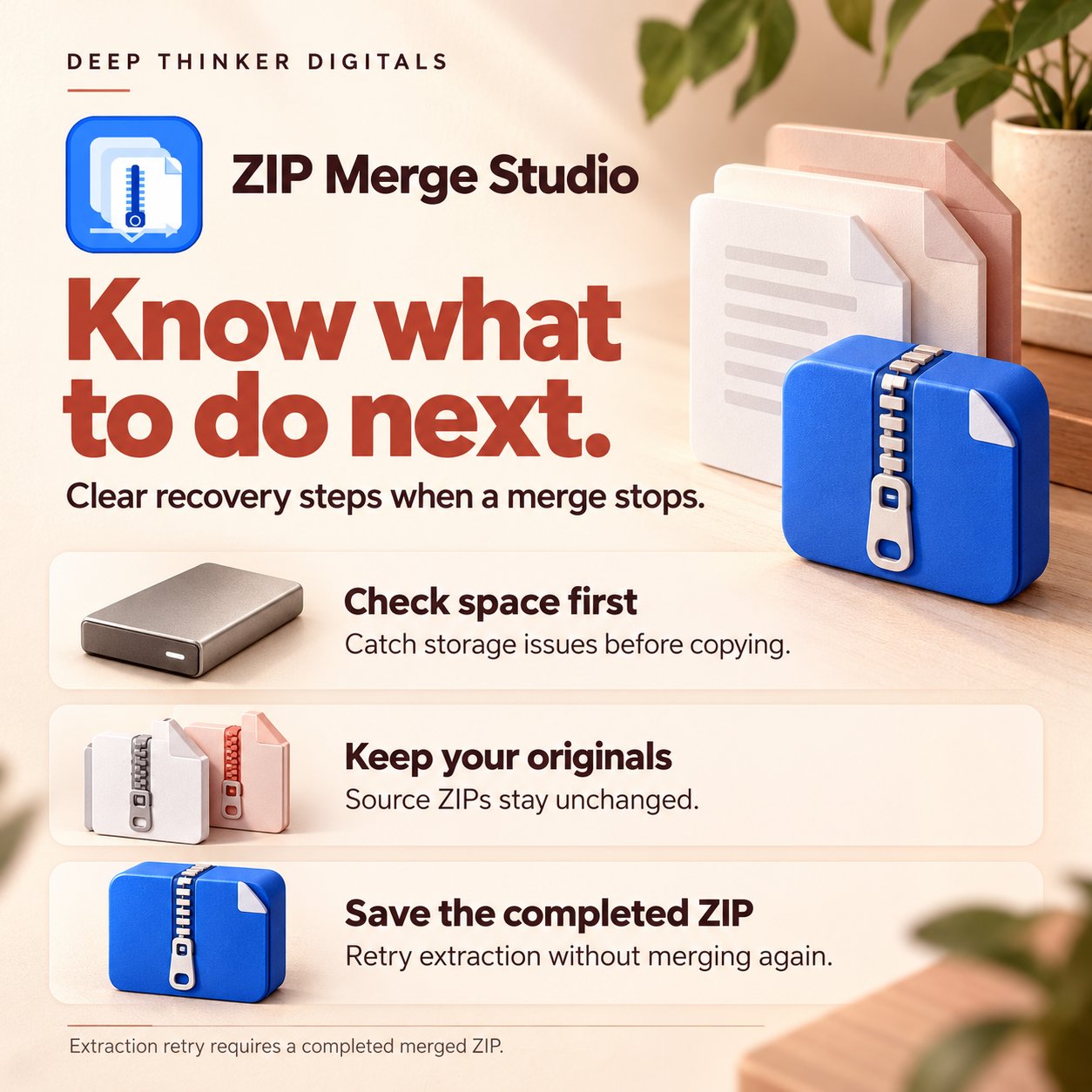
Before copying begins, ZIP Merge Studio checks a conservative disk-space estimate. You can also enable Deep Check to read through your source archives and check their integrity before merging.
If a job stops, a recovery report identifies the affected archive or entry, explains the likely cause, and suggests what to do next. Copy the report, save the log, or open the output folder directly.
If the merged ZIP was successfully saved and only extraction failed, you can retry extraction without repeating the merge. An incomplete merge must restart after the problem is resolved.
Your source files stay unchanged
ZIP Merge Studio creates a new output archive without modifying your source ZIPs. Merging happens on your computer; your archives are not uploaded to Deep Thinker Digitals.
Activation and updates
Activate your license on up to two computers. Enter your key once, and verification renews automatically while you are online. A successful verification provides up to 30 days of offline access.
The app can check for updates daily and display release notes. Download updates through your Deep Thinker Digitals account and install them when you are ready.
Requirements and supported files
- Designed for Windows 10 and Windows 11, 64-bit.
- Python is included; no separate Python installation is needed.
- Internet is required for activation, periodic verification, and update downloads.
- Sufficient free space is needed for the merged ZIP and optional extracted files.
- Supports separate, normal ZIP archives. Password-protected archives and multipart sets such as
.z01/.z02are not supported.
Developed by Zoilo Blanco.
Deep Thinker Digitals.
Reviews
There are no reviews yet.